Best Crypto Wallets for DEX Trading in 2026 (Tested)
Best Crypto Wallets for DEX Trading in 2026
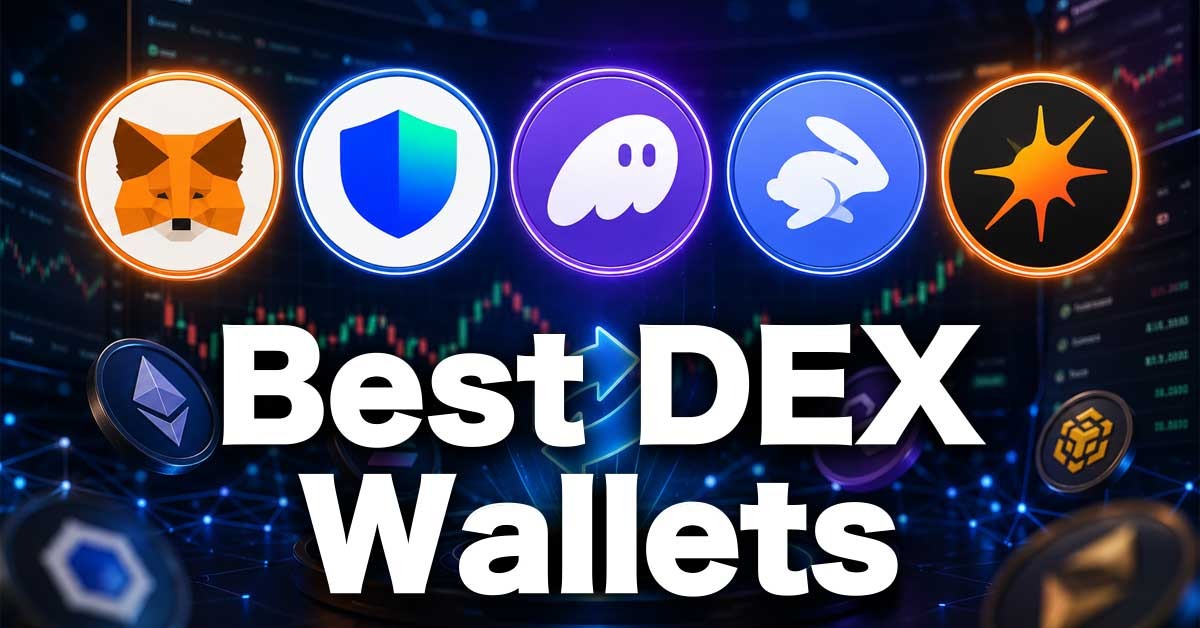
Web3 wallets have several features that make them suitable for different traders. While a beginner may be interested in a seamless interface, experienced users are likely looking for wallets that support multiple blockchains and offer more features for flexibility.
Also, in-app swap is available on most wallets, but some wallets charge really high swap fees, up to 0.87% of the value, while others charge as low as 0.25%.
Quick Tip: You do not pay a network fee when you swap or send assets via the BNB Chain on Trust Wallet; only a swap fee applies.
When using a wallet for asset storage, features like security, breach history, and multi-chain support are important because they affect your assets' safety and the ease of moving them around.
If you intend to connect your web3 wallet to some of the best DEXs or other platforms, you should consider gas fees, MEV protection strategies, and wallet performance during congestion.
In this article, we discuss the top 5 crypto wallets based on our personal experience using them. We rank the wallets based on security, ease of use, supported blockchain, DEX compatibility, mobile/desktop experience, and hardware wallet support.
Keep in mind that when using a decentralized wallet, you are responsible for the security of your assets. We shared useful security tips in a later section of this article.
Quick Comparison: Best Web3 Wallets for Crypto Trading on Decentralized Exchanges
|
Features |
Metamask |
Trust wallet |
Phantom |
Rabby |
Solfare |
|
Best for: |
Hyperliquid traders |
AsterDEX traders |
Advanced & new traders |
Beginners or new traders |
Beginners or new traders |
|
Wallet type |
Hot wallet |
Hot wallet |
Hot wallet |
Hot wallet |
Hot wallet |
|
Supported chains |
19+ Custom set-up |
100+ |
8 |
All EVM chains |
Solana |
|
Hardware wallet support |
Available |
Available |
Available |
Available |
Available |
|
Swap fees |
0.875% |
0.7% |
0.85% |
0.25% |
Only Solana network fees |
|
Earning |
Staking Airdrops Cashback on crypto cards |
Staking Airdrops |
Liquid staking |
Lending |
Staking |
|
Open source |
No |
Yes |
No |
Yes |
Yes |
For regular updates on features and open source, check the Ethereum find wallet page
1. MetaMask (Web extension + Mobile app)
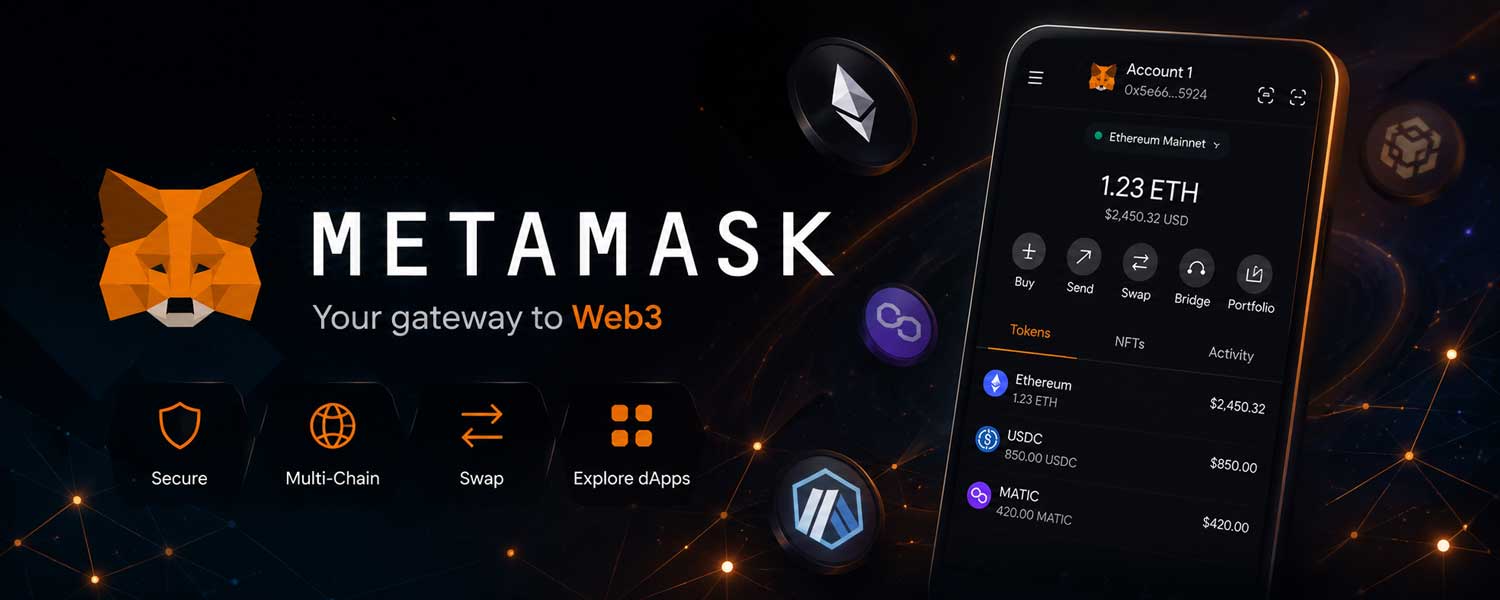
MetaMask has the highest DEX compatibility rate, though its interface is now very cluttered. It is particularly easy to use for traders using Hyperliquid, dYdX, Apex Omni, or AFX Trade. For instance, Hyperliquid supports 9 blockchains, all of which are available on the wallet.
If you'd like to know more about Hyperliquid? Check out all Hyperliquid features and how to trade on Hyperliquid.
You can connect MetaMask to these exchanges using the Arbitrum blockchain. It’s a good fit for beginners because Arbitrum has one of the lowest network fees in the crypto space.
We tested this by sending 50 USDC to Hyperliquid via the Arbitrum blockchain. The deposit was completed in under 1 minute (0.7 seconds), and the network fee was 0.0001 ETH, which is less than $0.2 at the time of writing.
Unlike other wallets on the list, MetaMask is the only one that shows you the actual processing time and lets you choose among three options: low, market, or aggressive. These options determine the applicable network fee. In the above transaction, we opted for the market mode. To trade faster, use the aggressive mode.
MetaMask is available worldwide and currently has over 30 million active users. The exchange occasionally provides security tips and offers solid MEV-resistant features, as shown by its low slippage rate. However, many users have reported phishing attacks. This happens when you connect your wallet to a fake or scam website.
One thing we find surprising is that MetaMask now has a massive perpetual trading market with over $2 billion daily trading volume. You can trade 200+ crypto, stocks, and RWA assets directly with a minimum margin of $10 and use up to 40x leverage on major assets like Bitcoin.
MetaMask perp trading fee is 0.01% maker fee / 0.045% taker fee, which is similar to what you paid on popular DEXs like Hyperliquid. Additional offers include crypto staking, a crypto card, and a prediction market.
Pros and Cons of MetaMask
Pros
- In-wallet browser: A major security win is that MetaMask features its own browser. You connect to any platform using its browser instead of connecting randomly online.
- Support crypto spending: Holders of the MetaMask cards can easily spend crypto in malls and online from their wallets.
- Custom chain support: In addition to the popular chains, you can add other blockchains via the custom option.
- In-app perps trading: You can simply use MetaMask for both asset storage and trading.
Cons
- Slow browser: Using the in-wallet browser can be frustrating and slow.
- Cluttered interface: MetaMask now offers multiple features, making the interface feel very busy and unusual for new or experienced users.
- Weak customer support: If you encounter a glitch, MetaMask support has the slowest response time. So always protect your assets, because they really cannot offer much help.
2. Trust Wallet (Web extension + mobile app)
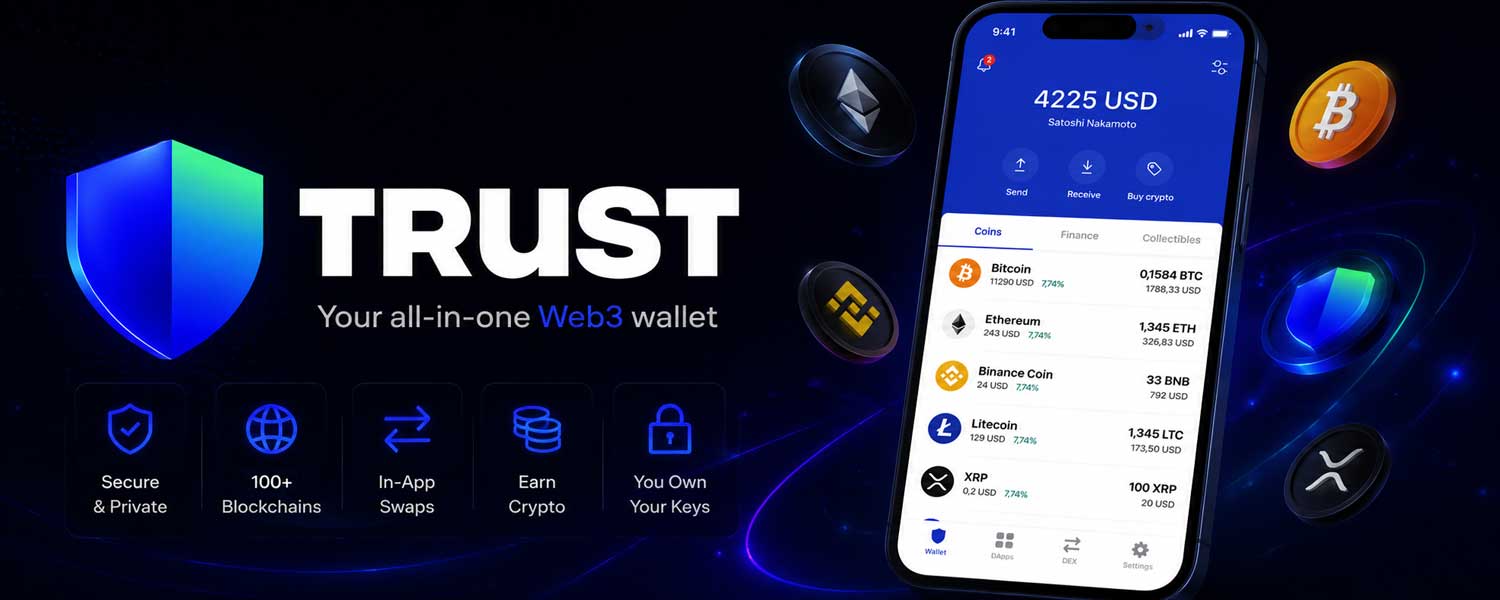
If you find navigating MetaMask confusing due to its busy interface, the best alternative is Trust Wallet.
Despite the introduction of new features, Trust Wallet retains a very simple interface that makes transacting fast and easy. First, you don’t have random pop-ups distracting from the interface, and you can easily track all your assets, see growth percentage, and select a wallet address for deposit.
Trust Wallet does not have a custom setup for blockchains; instead, it provides a list of supported chains (100+). We find this quite straightforward, particularly for beginners who do not know how to manually add a new chain or where to get accurate blockchain details.
Navigating multiple blockchains can get complicated easily though. We recommend sticking to popular options like Ethereum, Arbitrum, BNB Chain, or Solana, unless you need other chains.
Although Trust Wallet claims to be an MEV-resistant wallet, the automatically calculated slippage rate is excessive. For a low-volume swap on Solana, we paid 3% slippage. Always check the transaction details and adjust slippage before approval.
Aside from regular phishing attacks, Trust Wallet experienced a wallet extension attack in December 2025, in which a malicious version of its Chrome extension was published. Over $8.5 million in crypto assets were stolen from users, but the wallet responded swiftly and reimbursed them.
The biggest feature on Trust Wallet currently is the 0% network fee on BNB Chain. You can withdraw assets or swap on BNB for free. This makes it a good option for traders using AsterDEX.
AsterDEX supports BNB Chain as its main chain so that you can connect Trust Wallet to your Aster interface and deposit funds to the exchange for free. Check out our AsterDEX Tutorial to get started.
Pros and Cons of Trust Wallet
Pros
- BNB chain is free: Withdrawing and swapping assets on the BNB chain is completely free
- Seamless interface: For a DEX with multiple features, Trust Wallet looks clean and simple to use.
- Suitable for advanced traders: Trust Wallet combines a broad range of features with support for over 100 chains, making it a flexible option for experienced traders.
Cons
- High fee: Trust Wallet applies a high swap fee compared to other options
- High Slippage rate: Auto-calculated slippage is usually high. Always check to confirm and adjust.
3. Rabby Wallet (Web extension + mobile app)
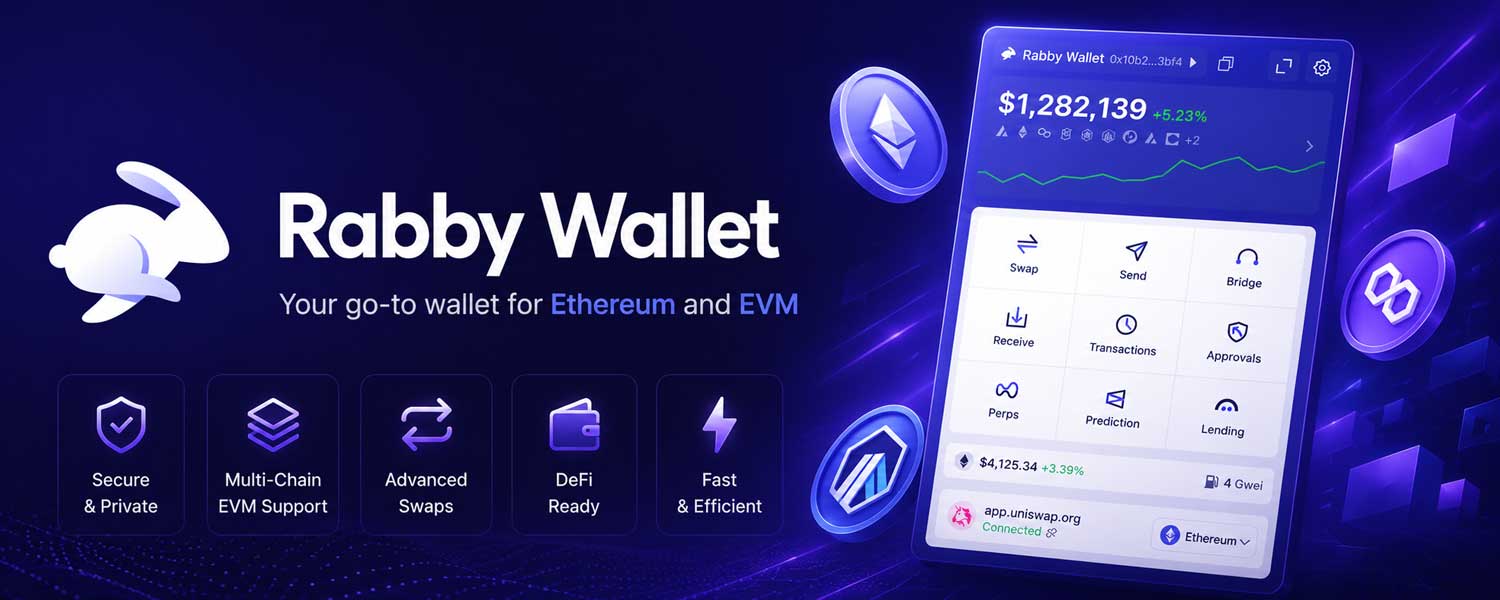
Rabby is a non-custodial wallet designed for Ethereum and other Ethereum-compatible blockchains. It does not support non-EVM chains. So no access to chains like Bitcoin or Solana.
If you prefer a clean interface and fewer features, just strictly asset storage, connection to DEX, and swapping, Rabby is one of the solid options here. Given that it supports all EVM chains, we recommend it for users interacting with Apex Omni or AFX Trade.
AFX Trade currently supports only the Arbitrum blockchain, and using Rabby enables a seamless, fast connection. Check out our AFX Trade tutorial or Apex Omni Tutorial to see how to connect your wallet and start trading.
One important thing to note is that swap and bridge work differently on the Rabby wallet.
Unlike other wallets, where swaps can be used to transfer assets between blockchains. On Rabby, swap means trading one token for another on the same blockchain. If you want to move assets to another, use the Bridge option.
Rabby wallet offers a special security feature. Aside from being built on the Ethereum blockchain, the wallet provides simulation details for your transactions. Review the details before approving a swap or withdrawal order to prevent malicious attempts to steal your funds.
Additionally, the wallet offers 2FA and account-lock features. With that, you can secure your wallet with a password or biometric details like Face ID. If you forget the password, reinstall the app to import the wallet using your seed phrase.
Users can create multiple accounts with different seed phrases. Access to one account does not automatically grant access to others.
Pros and Cons of Rabby Wallet
Pros
- Low fees: Rabby has the lowest swap fee among all the listed wallets
- Gas Deposit: Rabby wallet lets you deposit assets to cover fees across all chains.
- Advanced security setup: Create multiple accounts and use the lock feature for security
- Compatible with MetaMask: You can import your MetaMask balance into Rabby to use it without moving assets.
- Transaction risk scanning: Always verify the simulation details to ensure that the protocol you are connected to is processing the exact transaction you approved.
Cons
- Non-EVM chains are not supported: You cannot use them with non-EVM chains.
- Limited perps trading: It currently has only 5 assets under its perpetual trading.
- Limited passive earning: Only supports DeFi lending where you can supply idle assets.
4. Solflare (Web extension + mobile app)
In our experience, Solflare is one of the easiest Solana-based wallets. The interface has only 4 features: add funds for deposit, swap for converting assets, stake for staking $SOL, and send for withdrawing assets from the wallet to an exchange or another wallet.
Though it has other beneficial features, the simple main interface is great for beginners. There are no pop-ups to distract you. The only tradeoff is that it supports only the Solana blockchain.
You cannot receive assets from the Solana blockchain or connect with exchanges like AFX Trade that only support the Arbitrum blockchain. Sending assets from other networks to your Solflare wallet address will result in permanent loss.
Solflare allows you to create multiple wallets within the app. Anyone with the main wallet seed phrase or private key can access all wallets, but using the feature makes it easier to manage funds. You can create a different wallet for staking and add another to store trading capital.
It features additional security. Users can set a wallet password and configure the authentication request timeline.
If the Trust Wallet hack bothers you, another wallet to use for AsterDEX or Hyperliquid is Solflare, since both exchanges support Solana deposits and offer low trading fees.
Pros and Cons of Solflare Wallet
Pros
- Solflare card: Offers a crypto card for real-world crypto spending.
- No hidden fees: The wallet applies only the Solana network fee; it does not charge a hidden swap fee. Network fees can vary depending on network conditions.
- $SOL staking: Supported Solana staking with over 5% APY
Cons
- No multi-chain support: Solflare currently support only the Solana blockchain
- Limited features: Solflare is suitable if you want just to connect a wallet to DEXs or stake $SOL.
5. Phantom Wallet (Web extension + mobile app)
Phantom was originally launched as a Solana-based wallet, but it now supports 8 blockchains, including Solana, Ethereum, Bitcoin, Monad, HyperEVM, and Polygon.
Beginners will find this wallet easier than other options due to its multiple ‘buy’ options. You can buy crypto directly on Phantom with your Binance balance or a debit/debit card.
Phantom have a very high fee structure for both swapping and perps trading. The maximum taker fee on exchanges in the space is around 0.06%. The maker fee is much lower.
Also, Phantom's automated slippage rate is close to 2%, which can be very high depending on the asset volume. We recommend adjusting the slippage rate to around 0.5% to reduce costs significantly. You may have to increase slippage in a volatile market, or your order might fail.
An example: Swapping Solana for USDT on a regular day will work fine, but if you try to swap for a memecoin that is gaining a lot of attention, reducing low slippage means your order will likely fail if the memecoin market cap is low and everyone wants to buy at the same time.
One feature you won’t find on other wallets is a live chatroom, but Phantom has one for all assets.
The “Join Chat” is located under the assets chart. We checked it out and found that the chat is mostly emotional rather than a review of solid crypto trading indicators.
Pros and cons of Phantom Wallet
Pros
- Live chat: Access to a token chatroom where traders share opinions around price movement
- Multi-chain support: Unlike Solflare, Phantom is a Solana-based wallet with multiple chains.
- In-wallet tutorial: Scroll to the bottom of the wallet to see guides on how to set up the wallet, deposit, or trade.
Cons
- High fees: Has the highest swap and trading fees
- Busy interface: For a wallet with limited blockchain support, its interface is way too busy
- The mobile app is slow: The Phantom mobile application is less responsive than its desktop extension.
Beginner's Guide and Safety Tips: How to Use Web3 Wallets
How to Set Up a Web3 Wallet
You can set up wallets like Metamask, Trust Wallet, Phantom, Rabby, or Solflare on your PC or mobile phone following these steps:
- Step 1: In your App Store or your Web Store, search for the wallet name
- Step 2: Click on ‘Get’ or ‘Download’.
- Step 3: If you are setting up on a PC, install the extension you just downloaded.
- Step 4: Open the app or extension, then click ‘Create a new wallet’.
- Step 5: The app will automatically create your wallet and display your seed phrases.
- Step 6: Write down the seed phrases in a book or jotter as shown (1, 2, 3, 5… 12/24).
- Step 7: Verify the seed phrases and click on ‘Finish’ to start using the wallet
Note: For additional security, these wallets may prompt users to set a password, or you can find this option in the security section under settings.
Note that your wallet is ready; you can connect to decentralized exchanges in the space to trade spot and futures seamlessly. Exchanges like Hyperliquid, AFX Trade, Apex Omni, and AsterDEX support a wide range of wallets, making trading on them easy.
Quick Note: Many traders don’t know this, but you can create an account on some decentralized exchanges with your email address. This approach allows the exchange to create a wallet address for you without any KYC verification. You need to verify the email address.
After that, you can send the asset directly into the exchange. It supports seamless trading and protects against external risks, such as being redirected to a fake link when you connect online. Keep in mind that the exchange sends you a 6-digit code to your email to verify every login attempt. You cannot access your account without the code.
When you create an account with an email on Apex Omni, you can easily purchase crypto assets with a bank card. If you prefer the wallet option, check out the Apex Omni Tutorial to learn how to connect a wallet to the interface and start trading easily.
5 Solid Security Tips for Beginners Using Web3 Wallets
- Never store your seed phrase or private key online. Write it down in a book and store securely.
- Consider using a hardware wallet to store a large amount of assets. Only use hot wallets for trading.
- Link the hardware wallet to a hot wallet like Rabby to access your balance while retaining on-device transaction signing.
- Always confirm swap or withdrawal details to adjust slippage and reduce cost.
- Always confirm the token for swapping. When you are uncertain, copy the token address directly from CoinMarketCap to avoid buying fake tokens.
- Double-check website links before connecting your wallet so you don’t fall for one of the easiest phishing attacks.
Summary: Decentralized Exchanges and The Best Wallet to Connect
|
Exchange |
Wallet |
Why Any of These Wallets |
|
Hyperliquid |
MetaMask, Trust Wallet |
|
|
AsterDEX |
Trust Wallet, Solflare, MetaMask |
|
|
AFX Trade |
Rabby, Trust Wallet, Metamask |
|
|
Apex Omni |
Rabby, MetaMask, Trust Wallet |
|
Conclusion
Web3 wallets are non-custodial wallets, which means that, unlike your regular Binance or other centralized exchange wallets, Web3 wallets only provide access to your assets; they do not control or store them. Assets are stored directly on the blockchain, where anyone with the accurate seed phrase or private key can access and transfer them.
This is why wallet security is very important. When creating a wallet, keep in mind that you need to securely store your wallet details and follow the security tips above for a safe trading experience.
Frequently Asked Questions
What is the difference between swapping and bridging assets?
Swapping converts one token to another. Bridging allows you to switch between blockchains and assets. You can bridge $ETH from the Ethereum chain to USDT on another blockchain.
What are the best Web3 wallets for DEX trading
There are more than 100 Web3 wallets, which can be confusing for new users. For multi-chain support and ease of use, MetaMask and Trust Wallet are solid options, while Rabby provides a seamless connection to EVM chains.